
Skillix operational software

Self-service portals for employees, contractors and learners

Reduce admin chasing by giving employees, contractors, learners, and external users controlled self-service paths for profile updates, evidence, learning, bookings, forms, and follow-up.

How Skillix helps

The work Skillix brings into one accountable operating record

Feature / Self-service portals01

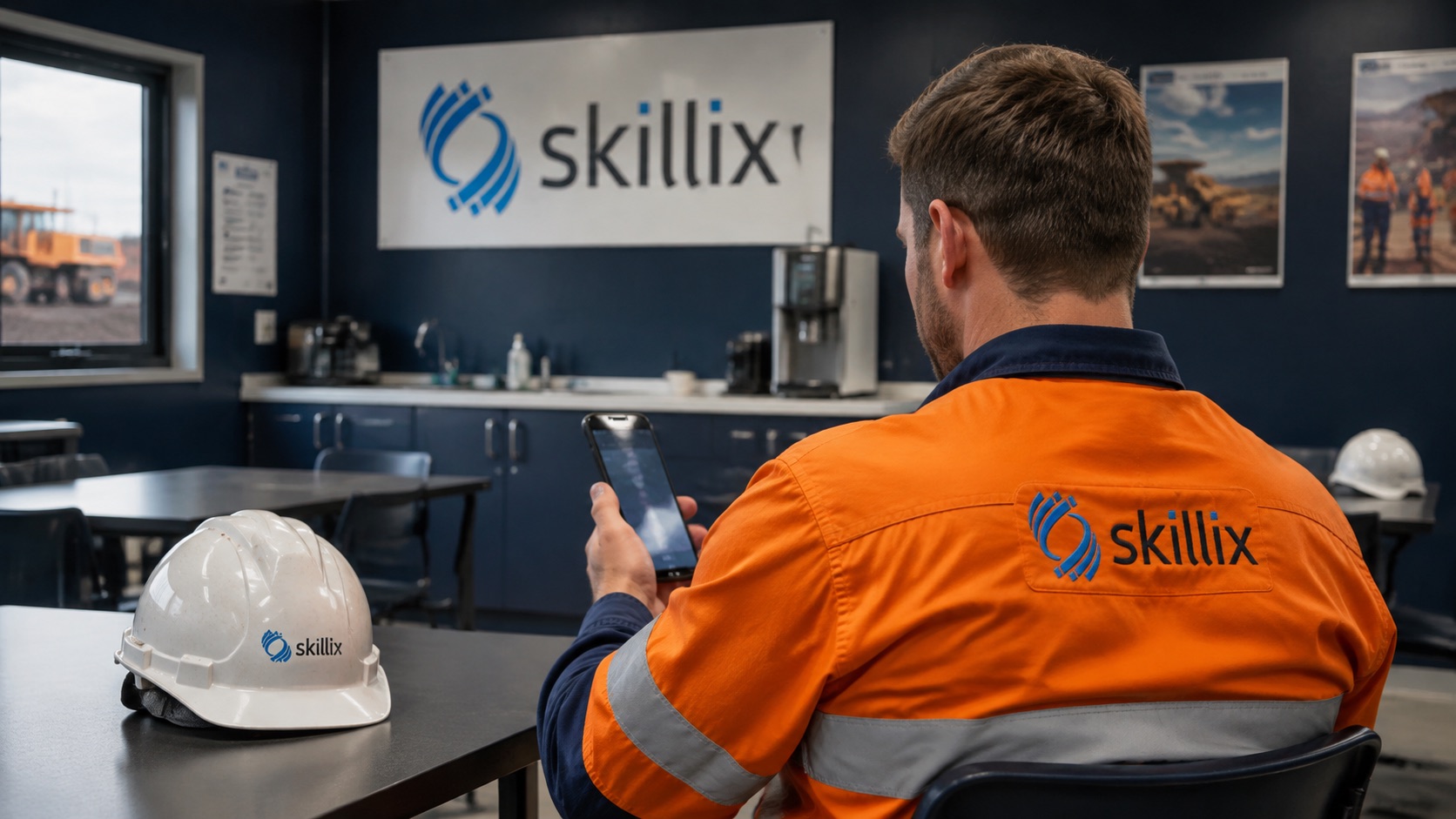
A new contractor uploads licences, responds to a medical booking, and completes assigned learning.

Skillix can connect those self-service actions to HR review, onboarding, documents, training, medical status, communications, and workforce readiness.

Control intentemployee contractor self service portal
Linked modules9
Proof postureTraceable
Current Friction02
  • Coordinators lose time chasing forms, licences, evidence, booking responses, learning tasks, and profile updates manually.
  • Self-service becomes risky when uploaded evidence, communications, and approvals are not connected to the operating record.
  • Employees, contractors, and learners need simple action paths without exposing internal system complexity.
Skillix operating record03
  • Give people controlled ways to supply profile details, documents, evidence, booking responses, learning activity, and workflow updates.
  • Connect self-service submissions to HR, onboarding, learning, documents, compliance, communications, and readiness.
  • Keep coordinator review, approval, audit history, and release decisions under Skillix control.
  • Reduce admin chasing while preserving the proof trail behind each update.
Connected modules04
PortalHR ManagementRecruitmentLearning ManagementDocumentsMedicalsTraining RequirementsCommunicationsWorkflows
Controlled intake05
  • Let employees, contractors, and learners provide profile updates, evidence, booking responses, and learning activity.
  • Keep coordinator review and release control inside Skillix.
  • Attach each submission to the worker, requirement, document, booking, or workflow that needs it.
Less chasing, more proof06
  • Use self-service to reduce inbox follow-up without losing auditability.
  • Feed documents, evidence, bookings, and completions back into readiness.
  • Make every action visible to the teams that depend on it.
Problems Skillix controls

Turn the pressure points into accountable operating work.

Skillix is designed around the real points where work stalls: missing proof, unclear ownership, disconnected systems, manual follow-up, and decisions made too late.

01

Coordinators lose time chasing forms, licences, evidence, booking responses, learning tasks, and profile updates manually.

02

Self-service becomes risky when uploaded evidence, communications, and approvals are not connected to the operating record.

03

Employees, contractors, and learners need simple action paths without exposing internal system complexity.

What Skillix produces

A new contractor uploads licences, responds to a medical booking, and completes assigned learning.

Skillix can connect those self-service actions to HR review, onboarding, documents, training, medical status, communications, and workforce readiness.

Request a Skillix walkthrough
  1. Give people controlled ways to supply profile details, documents, evidence, booking responses, learning activity, and workflow updates.
  2. Connect self-service submissions to HR, onboarding, learning, documents, compliance, communications, and readiness.
  3. Keep coordinator review, approval, audit history, and release decisions under Skillix control.
  4. Reduce admin chasing while preserving the proof trail behind each update.
Real operating use cases

Where Skillix turns this pressure point into operational control.

These are the problems Skillix is built to control when teams are still relying on spreadsheets, disconnected point tools, and manual follow-up.

Operating use case

Controlled evidence intake without manual chasing

Skillix can give employees, contractors, and learners simple paths to supply evidence while coordinators retain review and release control.

  • Collect profile updates, licences, documents, booking responses, forms, and learning activity.
  • Attach each submission to the worker, requirement, document, booking, or workflow that needs it.
  • Preserve coordinator review, approval state, and audit history.
Operating use case

Self-service that feeds readiness

Self-service has the most value when uploads, completions, and responses return directly to onboarding, compliance, learning, and workforce readiness.

  • Feed evidence, bookings, learning completions, and forms back into the operating record.
  • Reduce inbox chasing without bypassing review controls.
  • Keep employees and contractors focused on the next action they need to complete.
Connected control path

This capability becomes stronger when it connects to the surrounding operation.

The strongest outcome is not the page by itself. It is the way Portal, HR Management, Recruitment and the wider Skillix record reinforce the same decision.

Connect

Tie the capability to live operating records.

Skillix connects the page’s focus area to the workers, jobs, sites, assets, documents, communications, and workflows around it.

Validate

Turn scattered data into a release decision.

Readiness, compliance, evidence, movement, and follow-up can be checked before the decision reaches site pressure.

Escalate

Make gaps visible until they are closed.

Alerts, communications, AI-assisted checks, and workflow ownership keep blockers from disappearing into inboxes or spreadsheets.

Frequently asked questions

Answers for teams comparing Skillix.

What can self-service portals reduce?

Self-service can reduce manual chasing for profile updates, documents, evidence, bookings, learning tasks, and onboarding responses while keeping review and audit control with coordinators.

Does self-service bypass coordinator approval?

No. Skillix positions self-service as controlled intake. Submissions can still require review, approval, workflow follow-up, and readiness release before they affect operational decisions.

Related Skillix areas

Keep building the connected operation.

Follow the Skillix areas that support this workflow: Portal, HR Management, Recruitment, Learning Management, and the surrounding operating record.

Walkthrough path

See how this workflow connects to the rest of your operation.

Bring the workflow you want to improve. We will map the surrounding people, proof, movement, field capture, and follow-up actions that Skillix can control.

Request a Skillix walkthrough
Walkthrough request

Request a Skillix walkthrough for this workflow.

Tell us where this pressure point shows up in your business and we will show how Skillix connects Portal, HR Management, Recruitment, Learning Management, and the surrounding operating record.

What happens next
  1. Review your operation, pressure points, and current systems.
  2. Show where Skillix can connect readiness, proof, movement, and follow-up.
  3. Prioritise the highest-value starting point for your business.