
Skillix operational software

The Skillix mobile app for field operations

The Skillix mobile app for iOS and Android gives supervisors and crews offline-capable field capture: toolbox talks, prestarts, no-shows, timesheets, safety reporting, evidence, and roster notifications, all syncing back to the operating record.

How Skillix helps

The work Skillix brings into one accountable operating record

Feature / Mobile app01

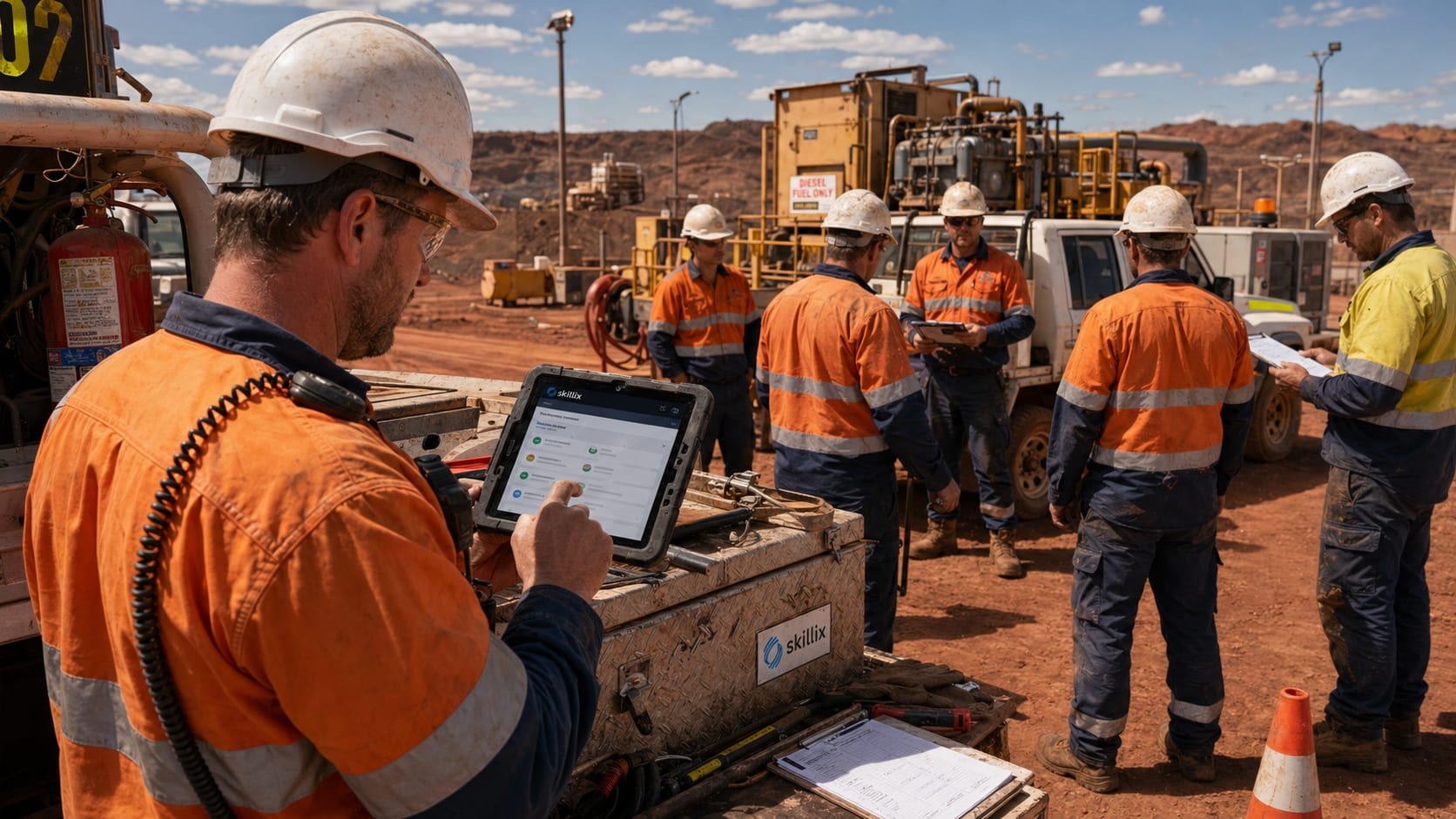
A supervisor runs a remote shift with no internet and still needs the record to be right.

The Skillix mobile app keeps offline toolbox talks, prestarts, no-shows, timesheets, safety reports, and evidence tied to the same worker, asset, site, and job context, then syncs them when connectivity returns.

Control intentworkforce mobile app
Linked modules6
Proof postureTraceable
Current Friction02
  • Remote supervisors need to run the shift when there is no internet, not wait until they reach camp or the office.
  • Field updates — prestarts, no-shows, evidence, timesheets, and safety reports — lose value when captured away from the operating record.
  • Roster changes and safety follow-up lose impact when notifications and capture are not connected to the work context.
Skillix operating record03
  • Give supervisors and crews a published iOS and Android app built for remote, offline-first field work.
  • Capture toolbox talks, asset prestarts, no-shows, timesheets, and evidence against the worker, asset, site, and job.
  • Report safety incidents and hazards from the field, including QR intake for contractors, with offline evidence that syncs on reconnect.
  • Push roster notifications and operational updates to the people who need to act.
  • Feed field activity back into workforce readiness, safety, assets, payroll, documents, and communications.
Connected modules04
Mobile AppWorkforceSafetySite ComplianceAssetsCommunications
Built for remote field work05
  • A published iOS and Android app, not a cut-down mobile web page.
  • Offline-first capture for sites with no reliable connectivity.
  • Automatic sync of queued records when the device reconnects.
Capture that matters on site06
  • Toolbox talks, asset prestarts, no-shows, and timesheet entry.
  • Safety incident and hazard reporting, including QR intake for contractors.
  • Photo, video, and audio evidence tied to the work.
Connected to the operation07
  • Roster notifications and operational updates pushed to the field.
  • Field activity feeding workforce readiness, safety, assets, and payroll.
  • Supervisor follow-up kept on the operating record, not in messages.
Problems Skillix controls

Turn the pressure points into accountable operating work.

Skillix is designed around the real points where work stalls: missing proof, unclear ownership, disconnected systems, manual follow-up, and decisions made too late.

01

Remote supervisors need to run the shift when there is no internet, not wait until they reach camp or the office.

02

Field updates — prestarts, no-shows, evidence, timesheets, and safety reports — lose value when captured away from the operating record.

03

Roster changes and safety follow-up lose impact when notifications and capture are not connected to the work context.

What Skillix produces

A supervisor runs a remote shift with no internet and still needs the record to be right.

The Skillix mobile app keeps offline toolbox talks, prestarts, no-shows, timesheets, safety reports, and evidence tied to the same worker, asset, site, and job context, then syncs them when connectivity returns.

Request a Skillix walkthrough
  1. Give supervisors and crews a published iOS and Android app built for remote, offline-first field work.
  2. Capture toolbox talks, asset prestarts, no-shows, timesheets, and evidence against the worker, asset, site, and job.
  3. Report safety incidents and hazards from the field, including QR intake for contractors, with offline evidence that syncs on reconnect.
  4. Push roster notifications and operational updates to the people who need to act.
  5. Feed field activity back into workforce readiness, safety, assets, payroll, documents, and communications.
Real operating use cases

Where Skillix turns this pressure point into operational control.

These are the problems Skillix is built to control when teams are still relying on spreadsheets, disconnected point tools, and manual follow-up.

Operating use case

Run the shift offline, sync when connectivity returns

The Skillix mobile app keeps supervisors productive on remote sites with no internet, then returns field records to the platform when they reconnect.

  • Capture toolbox talks, prestarts, no-shows, timesheets, and evidence close to the work.
  • Keep field records tied to employee, asset, site, job, roster, and supervisor context.
  • Queue offline captures and sync them automatically when connectivity returns.
Operating use case

Safety reporting from the field

Workers and contractors can raise incidents and hazards from the app, with QR intake and offline evidence.

  • Report incidents, hazards, and near-misses from mobile or a QR intake link.
  • Attach photos, video, and audio evidence that uploads when connectivity returns.
  • Connect the report to the worker, asset, site, and job, then into the Safety workflow.
Operating use case

One app feeding the whole operating record

Field activity captured on mobile updates the same record operations, payroll, and safety already work from.

  • Return prestarts, no-shows, timesheets, and evidence to workforce, assets, and payroll.
  • Push roster notifications and operational updates to supervisors and crews.
  • Keep field follow-up connected to communications, documents, and workflow history.
Connected control path

This capability becomes stronger when it connects to the surrounding operation.

The strongest outcome is not the page by itself. It is the way Mobile App, Workforce, Safety and the wider Skillix record reinforce the same decision.

Connect

Tie the capability to live operating records.

Skillix connects the page’s focus area to the workers, jobs, sites, assets, documents, communications, and workflows around it.

Validate

Turn scattered data into a release decision.

Readiness, compliance, evidence, movement, and follow-up can be checked before the decision reaches site pressure.

Escalate

Make gaps visible until they are closed.

Alerts, communications, AI-assisted checks, and workflow ownership keep blockers from disappearing into inboxes or spreadsheets.

Frequently asked questions

Answers for teams comparing Skillix.

Is the Skillix mobile app a native app?

Yes. The Skillix mobile app is a published iOS and Android app built for field workforce operations, with offline-first capture for remote sites and automatic sync when connectivity returns.

What can the mobile app capture in the field?

The app captures toolbox talks, asset prestart inspections, employee no-shows, timesheets, safety incident and hazard reports, and photo, video, and audio evidence, all tied to the worker, asset, site, and job.

How does mobile capture reach the office record?

Field activity syncs into the same Skillix operating record used by operations, keeping workforce readiness, safety, assets, payroll, documents, communications, and workflows aligned with what happened on site.

Related Skillix areas

Keep building the connected operation.

Follow the Skillix areas that support this workflow: Mobile App, Workforce, Safety, Site Compliance, and the surrounding operating record.

Walkthrough path

See how this workflow connects to the rest of your operation.

Bring the workflow you want to improve. We will map the surrounding people, proof, movement, field capture, and follow-up actions that Skillix can control.

Request a Skillix walkthrough